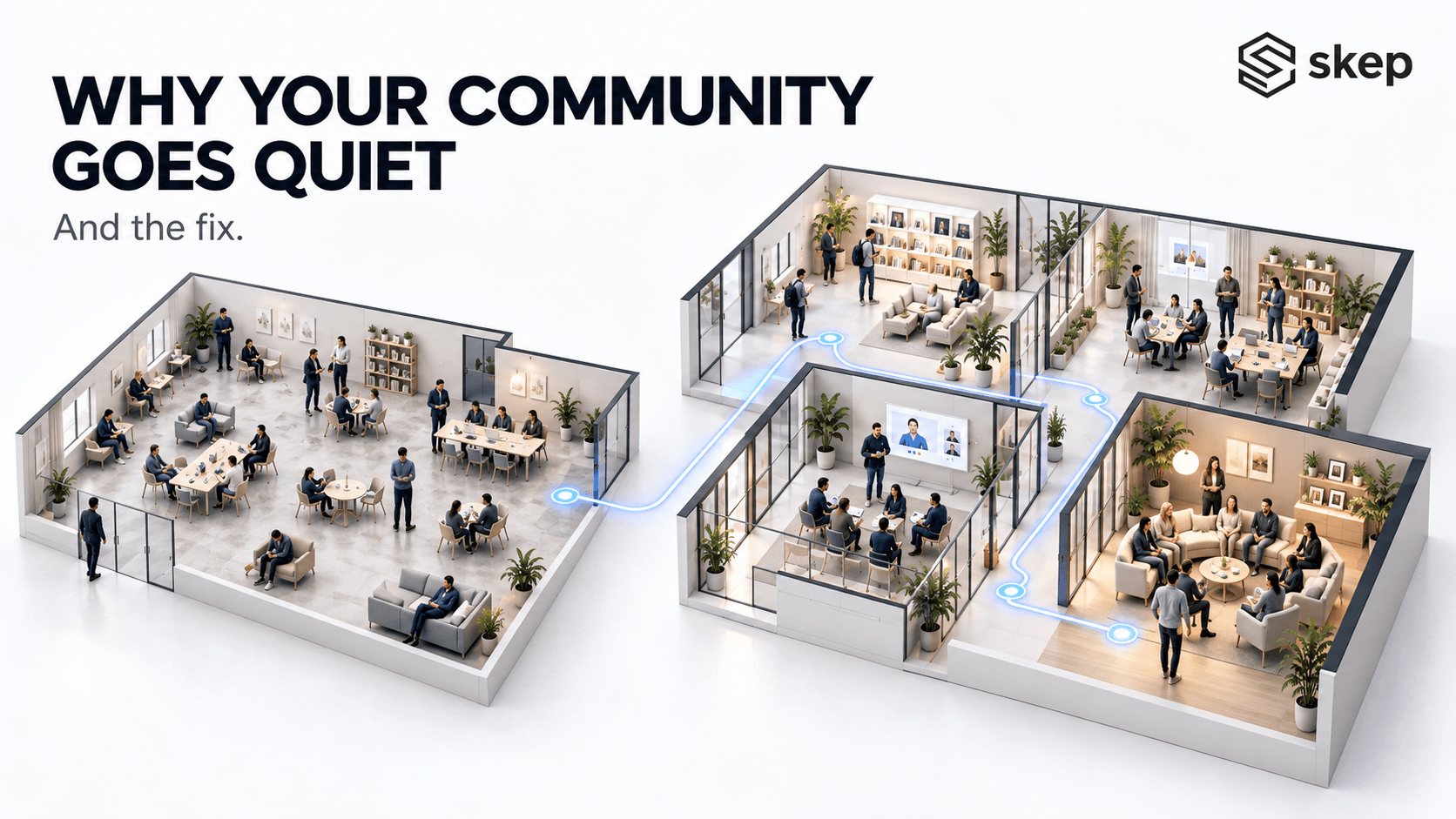
Here's a question worth sitting with for a second. Where does your business actually live?
Most coaches and consultants can't answer it in one sentence. The course is on one platform. The community is a WhatsApp group. Live sessions run on Zoom. Payments go through a gateway. The worksheets sit in Google Drive. The member list is a spreadsheet somebody updates when they remember.
Each tool works fine on its own. The business still doesn't — because none of them knows what the others know.
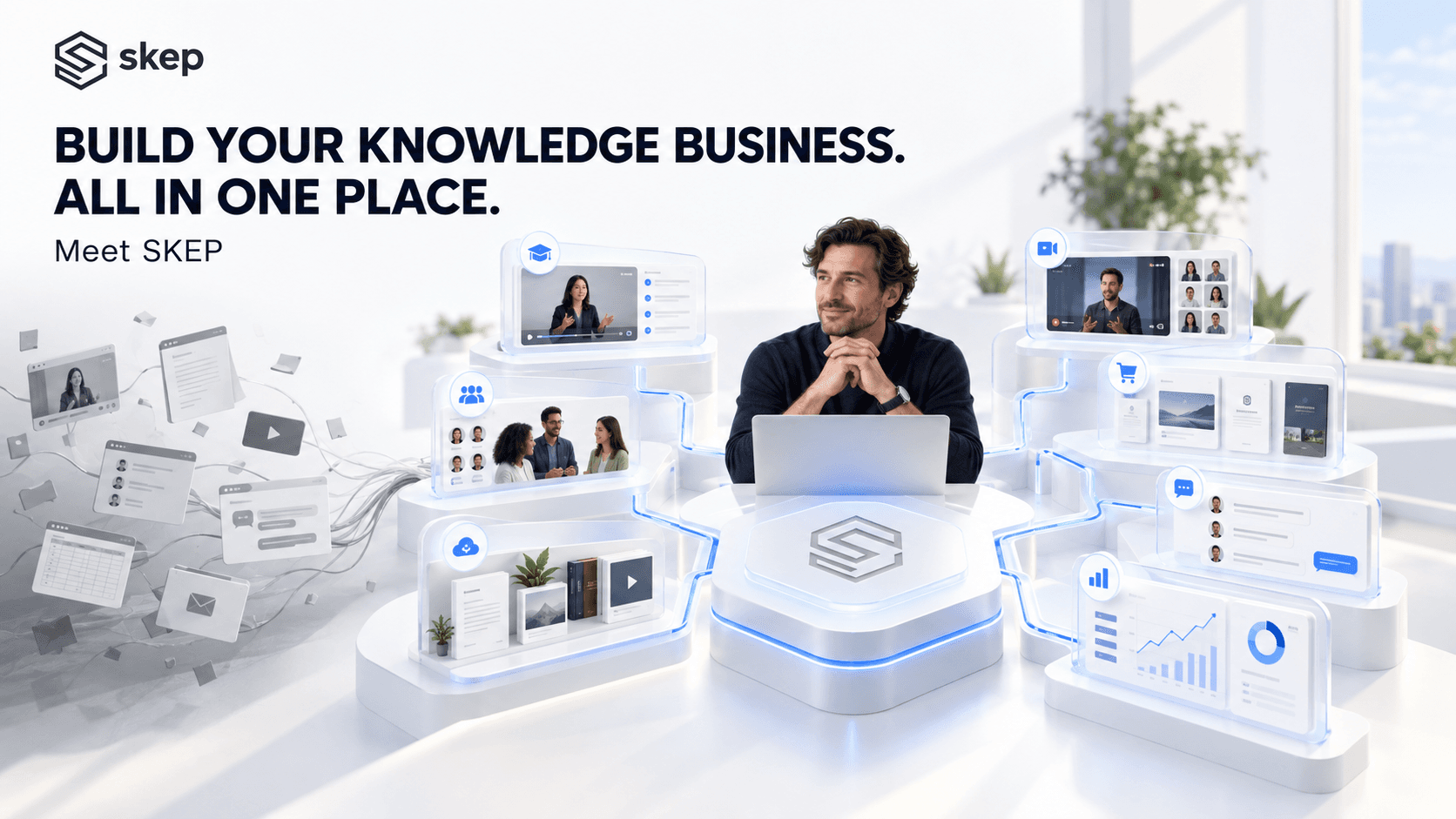
SKEP is one platform where the whole thing lives. This post explains what it is, who it's for, what each part does, and how the parts connect. It's the overview. Each module has its own detailed post linked from here.
The short answer: what is SKEP?
SKEP is an end-to-end platform for the knowledge creator economy.
That means one place where you can:
- Create your material — articles, guides, frameworks
- Package it into things people buy — courses, live sessions, memberships
- Publish and sell them, with payments handled
- Deliver them to your students
- Engage the people who bought, so they stay
- Manage your team, your members and their permissions
- Grow — see what earns, and get paid
It is not a course platform with a chat feature added. It's built around the member, not the content. One person, one login, one record of everything they bought, watched, attended and asked.
Everything below follows from that one idea.
Why SKEP exists: three problems with using six tools
Problem 1 — You lose people in the gaps.
Every place a member moves from one tool to another is a place they don't arrive. They buy the course but never join the community, because that's a second signup. They join the community but miss the live call, because the link was in an email. They finish the program and disappear, because nothing existed to hold them afterwards.
Problem 2 — You can't see it happening.
Your course platform reports completions. Your community tool reports posts. Neither one reports the person who paid, never logged in, and quietly didn't renew. No single tool sees the whole journey, so nobody does.
Problem 3 — It gets worse as you grow.
Add a second instructor, a second batch, or an assistant, and now you're managing permissions in six places. Add a second product and your revenue arrives in pieces you assemble by hand in a spreadsheet you don't fully trust.
SKEP's answer to all three is the same: one system, one member record. Then the questions become answerable.
Who SKEP is built for
| You are | You'll recognise this |
|---|---|
| A coach or trainer | Your cohort goes brilliantly, then everyone vanishes the week it ends |
| A consultant | Your framework lives in a deck, your client group lives in email |
| An educator or subject expert | You know a lot; turning it into something sellable is the hard part |
| A training academy or bootcamp | Multiple instructors, parallel batches, and no clean way to separate them |
| An association or internal community | You need structure and governance, not another chat group |
Different labels, same job: take what you know, package it, deliver it to a group, and keep that group engaged.
The 8 stages of a knowledge business — and what handles each
This is the whole platform on one screen.
| Stage | What it means | SKEP module |
|---|---|---|
| Foundation | Deciding who sits where | Spaces |
| Create | Turning expertise into material | Articles, Knowledge Base |
| Package | Turning material into products | Courses, Quiz Library, Meet ups, Memberships |
| Publish | Making them buyable | Product catalog, Preview & Publish, share links |
| Sell | Taking the money | Orders |
| Deliver | Running the thing they bought | Course delivery, Cohorts, Webinars |
| Engage | Keeping them after delivery | Feed, Chat |
| Manage | Running it without doing everything yourself | RBAC, Users, branding & domain |
| Grow | Seeing what works, getting paid | Earnings, Payouts |
Now here's what each one actually does.
Spaces — start here
What it is: A Space is a room inside your community. You choose which modules each room has: Course, Meet up, Article, Knowledge Base, Chat.
The problem it solves: You serve several groups at once — the public, paying members, this quarter's cohort, last year's alumni, a corporate client. They shouldn't all see the same thing.
In practice: Your free lounge is one space. Your paid membership is another. Each cohort gets its own. Same community, same member identity, different rooms with different rules.
Space Access then sets, room by room and role by role, what each type of member can reach. A guest sees one thing. A member sees more. An instructor sees more again.
Get this right first. It's much easier to plan on paper than to rearrange later.
Articles and Knowledge Base — where your expertise becomes material
Articles
What it is: Long-form publishing inside your community — a point of view, a teaching piece, a breakdown.
The problem it solves: Your best thinking is scattered across old posts and DMs. Nothing brings people in on its own.
In practice: Write it, tag it, assign it to a space, decide whether it takes comments, publish. Tags matter more than they look — they're how a growing archive stays findable.
Knowledge Base
What it is: Structured reference material. It nests as Document → Chapter → Sub-chapter → Page, with version history, and public or private per document.
The problem it solves: You answer the same question every month. The framework you're known for lives in a PDF you email people.
In practice: Your methodology, your onboarding guide, your FAQs. Some public to attract people, some reserved for buyers.
Together, these do two jobs at once: they bring new people in, and they cut the questions you personally answer.
Courses — structure, not a pile of videos
What it is: A proper course builder. Details → Curriculum → FAQ → Certificate → Settings → Publish. Lessons can be video, article or quiz.
The problem it solves: Uploading videos isn't teaching. People buy, watch two lessons, and stop.
In practice, the settings that matter:
- Lesson order enforcement — they can't skip to the end
- Quiz pass enforcement — they must show they got it before moving on
- Course dependencies — the advanced program can require the foundation one
- Certificates — issued on completion, using your own template if you have one
- Instructor permissions — control exactly what each instructor can edit, upload, publish or delete
That last one is the feature nobody asks about until they hire their first instructor, and then need urgently.
Quiz Library — write a question once, use it everywhere
What it is: Question Banks stored at community level, available to any course.
The problem it solves: Assessment is a chore, so it gets skipped, so nobody knows if anyone learned anything.
In practice: Build the bank once. Draw on it across every course you run, now and next year.
Meet ups — everything live
What it is: Live sessions, in two types. The difference is worth understanding, because picking the wrong one shapes the whole session.
| Webinar | Cohort | |
|---|---|---|
| Attendees get | Chat, Q&A, polls, reactions, screen share | All of that, plus video and audio |
| It feels like | A broadcast with participation | A working session |
| Use it for | Filling your funnel, free sessions, launches | Delivering what people paid for |
Both types let you:
- Cap attendees
- Choose the audience — public, community-only, or both
- Charge for it, with separate public and member pricing
- Allow guests who aren't in your community
- Run polls during the session
- Set a registration window
- Share a member link and a separate guest link
That dual-pricing detail is quietly one of the most useful things here. Members automatically pay less than the public — which is a reason to be a member that you never have to argue for.
Memberships — the recurring layer
What it is: Membership and subscription plans, built through four steps: Information → Action → Pricing → Preview & Publish. Enrolment can be always-open or a fixed window.
The problem it solves: Everything you sell is one-off. Every month starts at zero.
In practice: The powerful part is that a plan can carry discounts on your courses, meet-ups and subscriptions. That turns a membership from "content people subscribe to" into the front door for everything else you sell.
Publishing and selling — the product catalog and Orders
What it is: Each product type — Course, Meet up, Membership — has its own catalog. Every one ends with Preview & Publish, so you see the landing page and enrolment page exactly as a buyer will before it goes live.
The problem it solves: Selling usually means a separate checkout tool, a separate page builder, and reconciling two systems afterwards.
In practice: Publish it, copy the link, share it. Sales land in Orders — date, customer, product, amount and source, filterable by date range and exportable to CSV.
One honest note: this is a publish-and-share layer, not a drag-and-drop page designer. You publish products and share links. You don't design pages.
Feed and Chat — what keeps people after delivery ends
Feed
What it is: Your community's activity stream, filterable by space, with pinned and bookmarked posts.
The problem it solves: A community with nothing happening in it is just a folder people forget the password to.
In practice: Post with images, documents or polls. Schedule posts ahead. People like, comment and repost.
Chat
What it is: Two tracks. Space chats are created automatically for each space. Messages handles direct conversation, with private notes to yourself.
The problem it solves: The WhatsApp group. It's chaotic, it's not connected to who paid for what, and it disappears when someone changes their phone.
In practice: Every cohort and every tier already has its conversation, scoped to exactly the right people, attached to their member record.
RBAC and Users — running it without doing everything yourself
What it is: Five roles come built in — Owner, Admin, Member, Guest, Instructor — with a permission grid setting view, create, edit and delete rights for every module.
The problem it solves: You want help, but handing someone the keys means handing them all of them.
In practice: Your community manager can post and moderate but not touch pricing. Your instructor can run their cohort and manage their curriculum but not delete a course. Combined with Space Access, this is what makes bringing people in safe.
User Management sits alongside it: members, their status from invited to active, their roles, their spaces, and user groups for organising people into sets that mean something.
Your brand, your domain
What it is: Define your community, connect your own domain, configure your sending email address, and switch on white-label branding.
The problem it solves: If your community lives on someone else's platform, you're renting the relationship — and the landlord sets the terms.
In practice: Your logo, your colours, your domain, your emails. Members remember you, not the software.
Earnings, Payouts and KYC — the money
Earnings
Gross revenue against net, with deductions broken down, revenue by source across courses, memberships and meet-ups, and earnings by individual product.
This answers the question the six-tool stack never could: which of the things I sell actually makes the money?
Payouts
Withdrawable balance, payout requests, and a status trail from in-review through processing to completed. Statements you can download.
KYC
Five steps: account type → identity → bank account → verification → activated. Individual or registered business.
Two things worth knowing:
- Do it before you launch. Not on the day you want your first payout. Verification takes time you won't want to spend at that moment.
- Pick the right account type. Individual or business should match how you actually invoice — particularly if GST applies to you.
On deductions: SKEP takes a convenience fee on transactions processed through the platform, and it gets smaller as you move up the plans. GST and TCS apply on top, as they do to any payment flow in India. The exact numbers get their own post — they're specific enough to deserve one.
Use case 1: a coach, start to finish
Priya runs a leadership coaching practice and is launching a paid cohort. Watch how the pieces connect.
- She creates a Space for the cohort, with Course, Meet up and Chat switched on.
- She publishes two Articles about the problem her program solves, into the public lounge where anyone can read them.
- Her framework goes into the Knowledge Base — partly public, partly reserved for buyers.
- She builds the program as a Course: eight modules, video lessons and quizzes, lesson order enforced, certificate at the end.
- Weekly live calls are scheduled as Cohort meet-ups, with attendee video on, because these are working sessions.
- She creates an alumni Membership at a lower monthly price, carrying a discount on future courses.
- She previews and publishes each product, then shares the member link with her list and the guest link with a partner's audience.
- Sales arrive in Orders. Buyers land in the cohort space automatically — no second signup, no separate invite.
- During the program, questions go into the Space chat and the course discussion. She posts prompts to the Feed.
- Her co-facilitator joins as an Instructor who can manage curriculum and run sessions, but can't change pricing or delete anything.
- Graduates are offered the alumni Membership, already discounted because they're members.
- She opens Earnings and sees the cohort brought in most of the revenue — but the membership is what made cohort two sell.
- She requests a Payout.
Not one step in that sequence needed a second tool or a second login. That's the entire point.
Use case 2: a consultant with corporate clients
Arun runs two-day workshops for companies, then a three-month advisory engagement with the same team. Two or three clients active at once.
Each client gets its own Space — Course, Meet up and Knowledge Base switched on, no Feed, and access set from zero so one client's team never sees that another exists. The space boundary is the confidentiality boundary.
The workshop stops being a deck and becomes a Course in that client's room, with live sessions scheduled as Meet ups alongside it. His frameworks go into that space's Knowledge Base, so the material is still there and still searchable three months later — which is most of what the client is paying for.
Invoicing runs through Orders, with the corporate buyer as the customer. When the engagement ends, the space goes to Draft: the work is preserved, access stops.
Use case 3: a training academy
A bootcamp with four instructors and three batches running in parallel.
Each batch is a Space with Course, Meet up and Chat. The curriculum is built once and made available to each batch's space, instead of being maintained three times in three tools.
The Instructor role does the heavy lifting: through RBAC and Space Access, an instructor gets Course and Meet up rights in the batch they teach and nothing in the others. Onboarding a new instructor is a permissions change, not a day of setup.
Free introductory sessions run as Webinars into a public space, where prospective students are Guests — they can attend and read, and see nothing else. Graduates from every batch converge into one Careers space, which is where a bootcamp's long-term value actually accumulates.
Earnings then shows revenue by product across all three batches in one place, instead of three exports stitched together in a spreadsheet.
What SKEP is not
Not an LMS with a forum attached. An LMS is built around content. SKEP is built around a member who buys, learns, attends, talks and renews.
Not a community tool with a checkout. Community platforms treat selling as an add-on. Here, products, orders, earnings and payouts are core.
Not a website builder. You publish products and share links. You don't design pages.
Not a marketplace. Nobody browses SKEP looking for a coach. There's no house audience to borrow — you bring your own people. In exchange, they're yours, on your domain, in your brand, and nobody changes the algorithm on you.
If you want a marketplace to send you customers, this is the wrong tool. If you want to own the relationship with the customers you already have, it's the right one.
What it costs to start
Five plans: Launch (free forever), then Grow, Scale, Mastery, and Empire for larger academies. Fourteen-day trial, no card needed to begin.
What changes as you move up: storage, live-session minutes, participant caps, how many sessions can run at once, and the convenience fee, which drops at each tier.
But the first question isn't which plan. It's how your spaces should be arranged.
Try this yourself :
1. Draw your spaces before you build anything. List every distinct group you serve — public, members, current cohort, alumni, each corporate client. That list is your structure, and paper is cheaper than rearranging later.
2. Pick one product to launch first. A course, a cohort, or a membership. Not three. Build it end to end and sell one seat before you widen.
3. Complete KYC now. Before the launch, not on the day you want the money.
4. Write down four questions you currently can't answer. Who's engaged and hasn't renewed. Which product earns the most. Who bought and never logged in. What one member has done across everything you sell. Those four are the reason consolidating is worth the effort.
SKEP isn't a better version of any single tool you're using now. It's the argument that your business shouldn't be spread across six of them — that creating, packaging, selling, delivering, engaging, managing and growing are one loop, and it runs a great deal better in one place.
© SKEP
The Launchpad for coaches, trainers, consultants & subject matter experts
support@skep.in